

Did DLS 19 Return to the Play Store? The Truth About the Classic Game
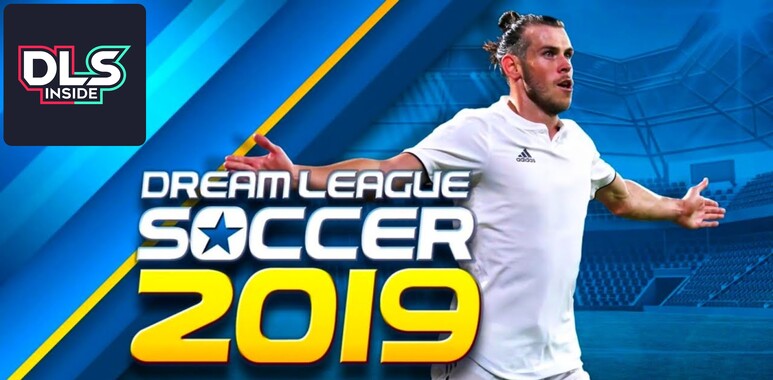
For many franchise veterans, Dream League Soccer 2019 is considered the peak of the game's classic era. Its 100% offline career mode, absolute freedom to customize crests and kits, and arcade gameplay made it a mobile gaming legend.
However, following the release of DLS 20, the game disappeared overnight from the main Google Play Store search, leaving thousands of new players unable to try it. But in recent days, a rumor has shaken the community: several users claim that DLS 19 has returned to the official store. Is this true? At DLS Inside, we explain what really happened.
The arrival of DLS 20 and the end of an era
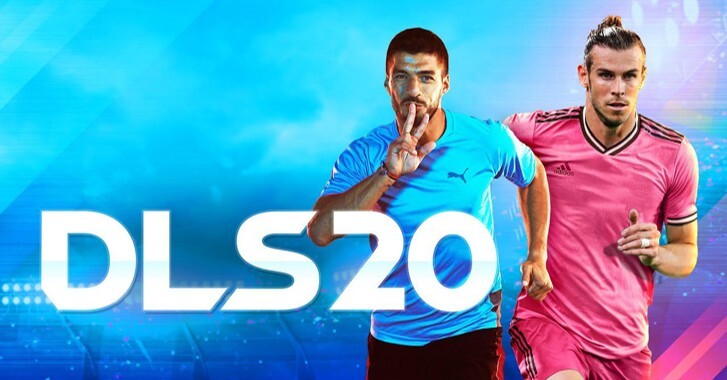
To understand why DLS 19 disappeared, we have to look back at the transition to Dream League Soccer 2020. First Touch Games (FTG) made the decision to take a generational leap: they implemented a completely new graphics engine, 3D captured animations, and most importantly, transitioned the game into a "Live Service" model that requires a permanent internet connection.
Keeping DLS 19 active and public on the store represented a double problem for the developers:
- FIFPro Licenses: Contracts to use real players' names and faces are constantly renewed. Keeping an old game meant paying duplicate licenses or facing legal issues for using 2018/2019 season rosters with expired contracts.
- Community division: FTG needed all its players to migrate to the new DLS 20 graphics engine to populate the multiplayer mode servers.
For these reasons, the corporate decision was to "delist" or hide DLS 19 from the public store.
The mystery: Why can some users still download it?
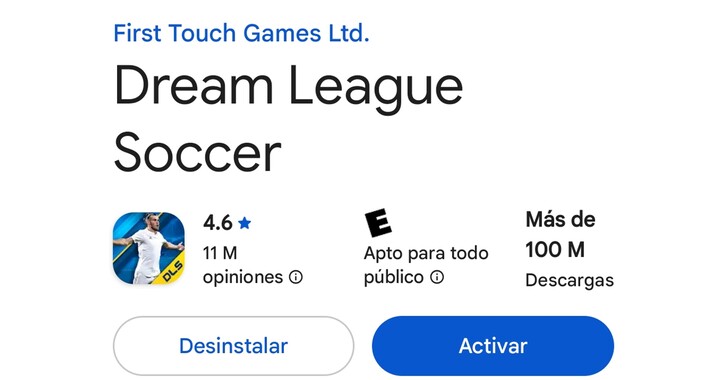
This is where the recent community confusion comes in. DLS 19 has not returned to the Play Store; the reality is that it never left.
Google Play Store policies state that when a developer hides an app due to licensing issues or outdated versions, it disappears from the search engine for the general public. However, the app remains permanently linked to the library of the Google accounts that originally downloaded it.
In other words, the users who are sharing screenshots downloading the game officially in 2026 are doing so because they played the original title in 2018 or 2019 with that same Google account. For them, Google's official download servers are and will remain active.
How to check if you can still officially install DLS 19

If you are a veteran player and want to check if you have the game linked to your Google account, you can do so directly from the Play Store app without needing to resort to external files. Follow these steps:
- Open the Google Play Store app on your Android device.
- Tap your profile picture in the top right corner.
- Select the "Manage apps & device" option.
- Switch to the top tab that says "Manage".
- You will see a green button that says "Installed". Tap it and change it to "Not installed".
- This will open your historical download history. Scroll through the list or use the alphabetical sort icon to search for Dream League Soccer 2019.
If the game appears on this list, congratulations! You can tap the install button and relive the good old days in a 100% official and safe way. If it doesn't appear, it means you never downloaded it with that email, and the store will show an error if you try to access it via a direct link.